Real beats perfect
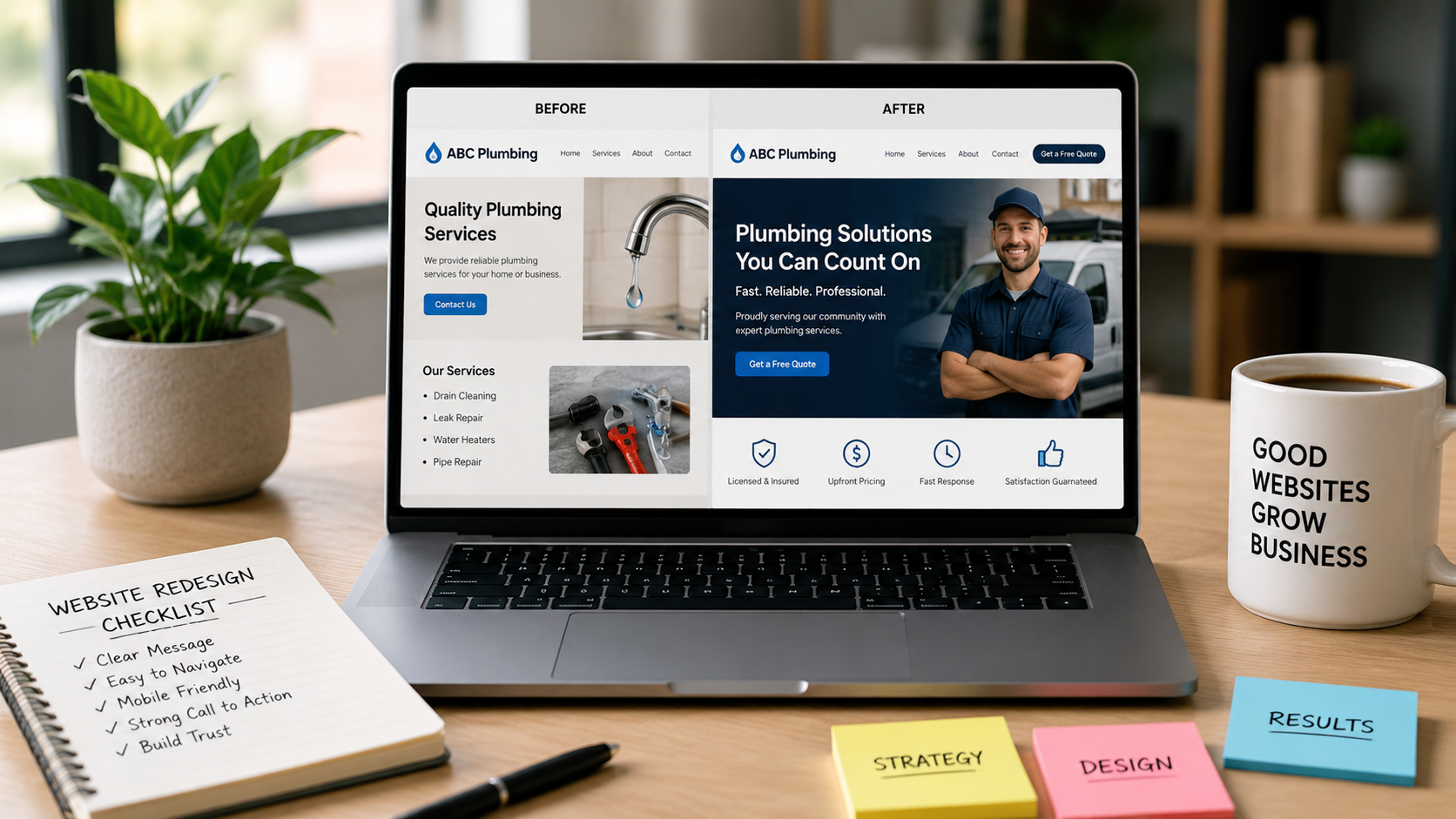
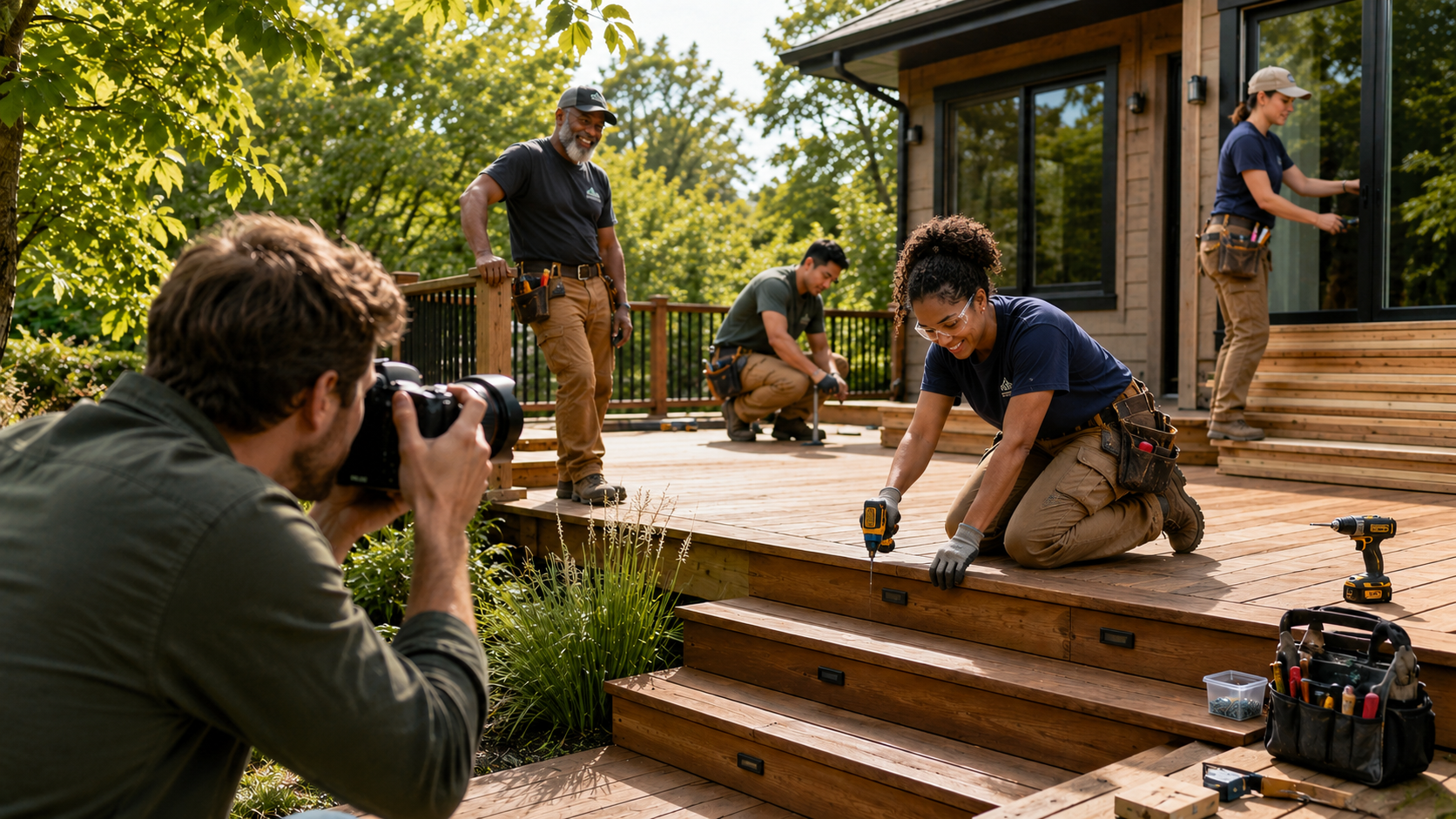
Customers can tell the difference between your shop and a stock photo of a shop. Photographs of your actual team, space, and finished work build more trust than a flawless image of strangers.
Want this applied to your actual website?
The free audit walks through exactly these questions on your site, not a hypothetical one.
Get My Free AuditShoot for the layout
-
Wide shots for headers
Landscape framing with room around the subject, so the crop can move without losing the point.
-
Square-ish shots for cards
Grids and cards crop toward square. Keep the subject centred and give it space.
-
Vertical shots for phones
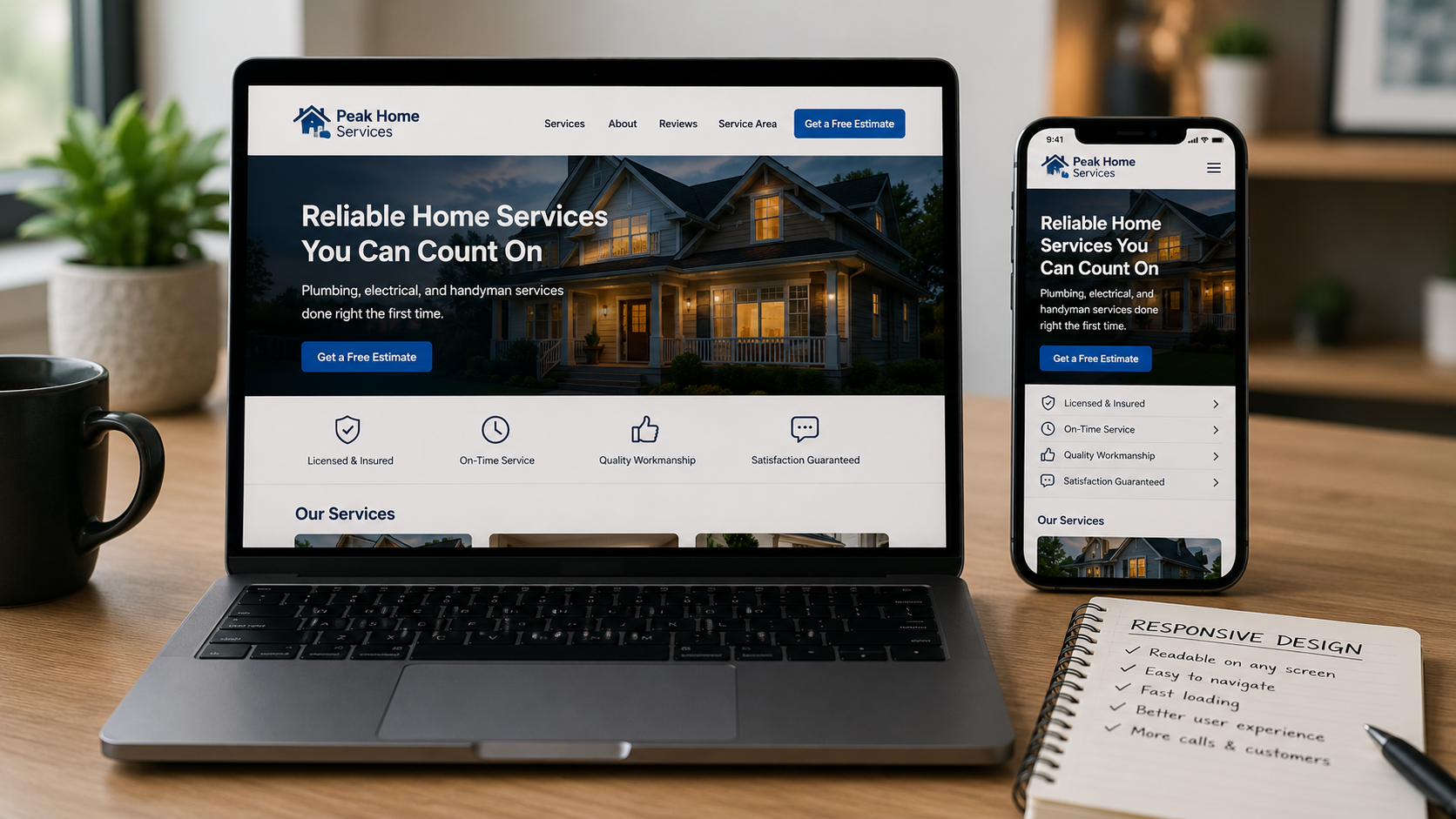
Most visitors are on a phone. A tall frame fills the screen instead of leaving bands of empty space.
-
Shoot more than you need
Extra angles cost nothing on the day and save a reshoot when a layout changes.
Photographing with the layout in mind saves awkward cropping later.
Where AI imagery helps and where it does not
Reasonable use
- Backgrounds and textures
- Illustrative or conceptual images
- Abstract section dividers
- Placeholder art while you shoot the real thing
Do not use it for
- Your team or staff
- Your finished work
- Your building or location
- Anything a customer would read as proof
Have a question this did not cover? Ask us and we will answer it, whether or not you ever hire us.